


Windows
Compatible with Windows 11, 10 and 8.

Screenshot WINDOWS
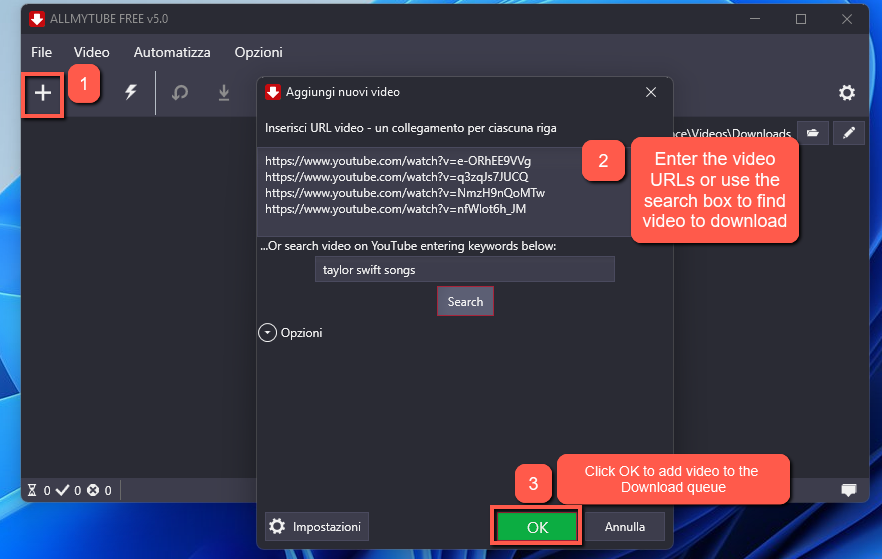
Screenshot MACOS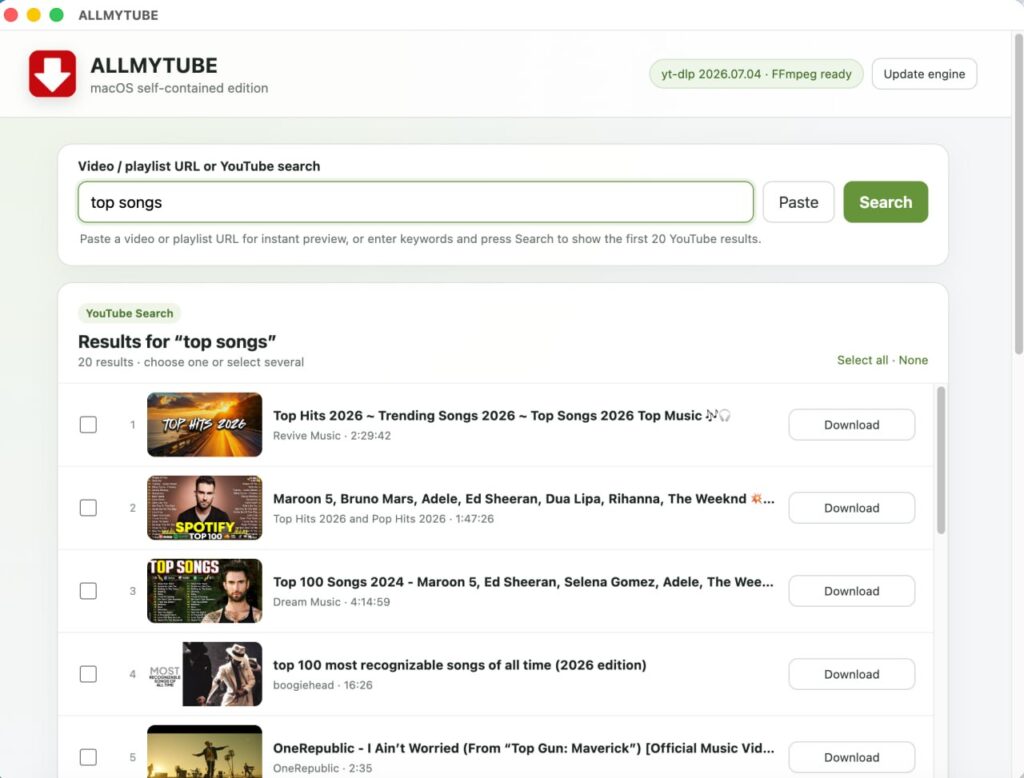
AllMyTube Main Features
Here are the main features of this powerful video downloader:
AllMyTube for Windows User Guide
If you have a Mac please read the guide on AllMyTube for Mac official page.
#1. How to download online video from any website with AllMyTube
Step 1. Download, install and run AllMyTube
Main screen of AllMyTube:
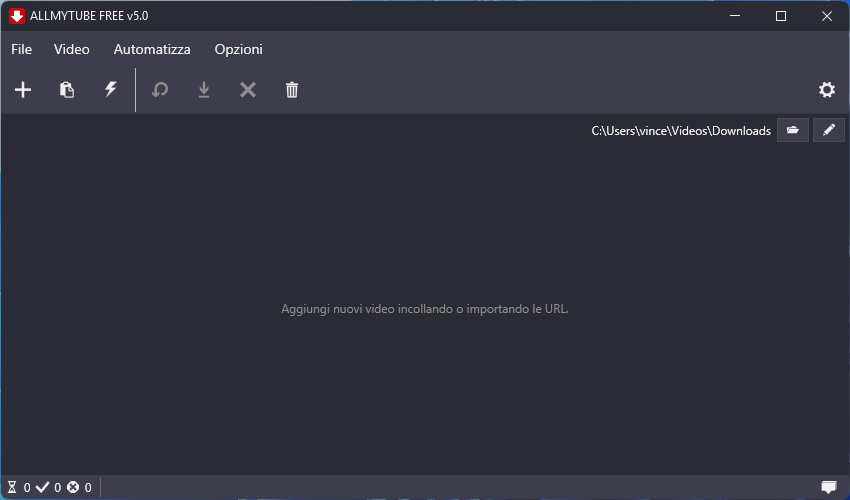
With AllMyTube you can:
- Download videos by URL
- Download videos from playlists or channels
- Download videos by search query
- Select video quality and format
- Automatically embed subtitles
- Automatically inject media tags
- Log in with a YouTube account to access private content
Step 2. Search the video to download
You can search for songs or videos by entering keywords directly into the search box at the top of the program. For example, by entering a song title, artist name, or video topic, AllMyTube will display matching results that you can download immediately.
Alternatively, open your browser (Google Chrome, Edge, Firefox, etc.) and go to the page containing the video you want to download. Then copy the URL from the address bar.

Return to AllMyTube and click the PASTE URL button.
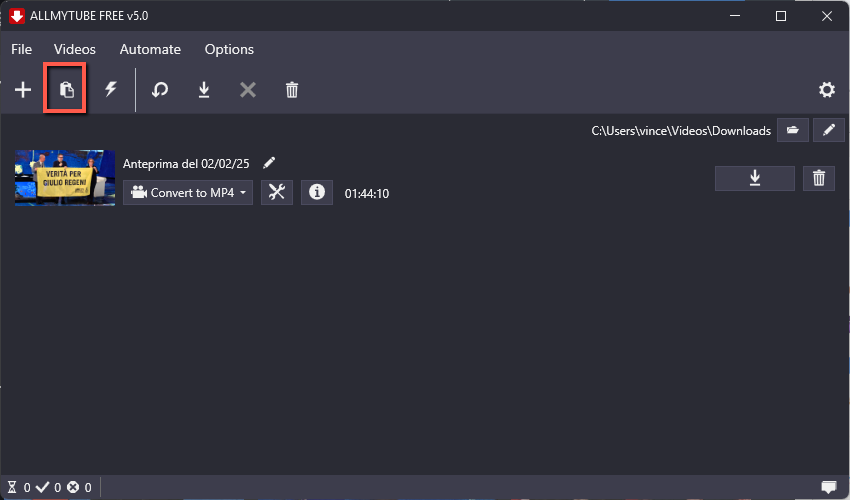
Once the URL is pasted, AllMyTube will show the details of the video and let you choose the desired output format and quality before downloading.
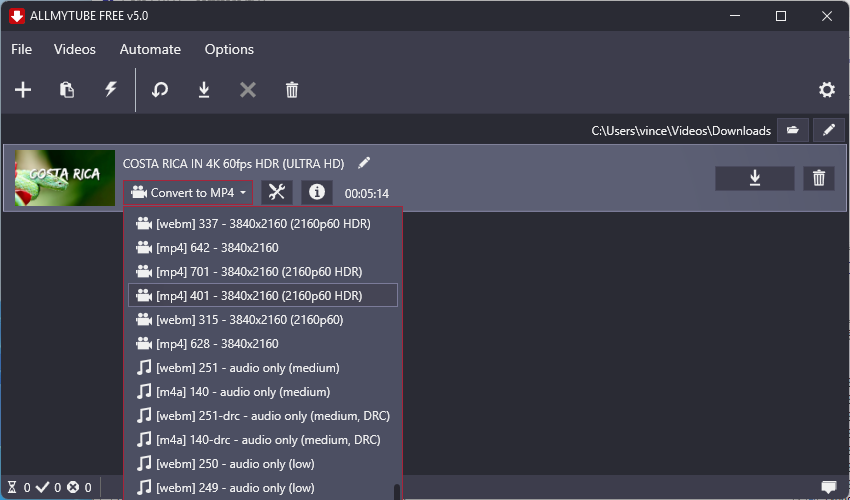
Step 3. Download the video
After pasting the URL, the program will analyze the link and start the video download, or it will first display a window where you can choose the video resolution and output settings.
Click the DOWNLOAD button to continue.
If you are using the demo version, you may see a trial limitations screen. Click Continue to proceed with the free version.
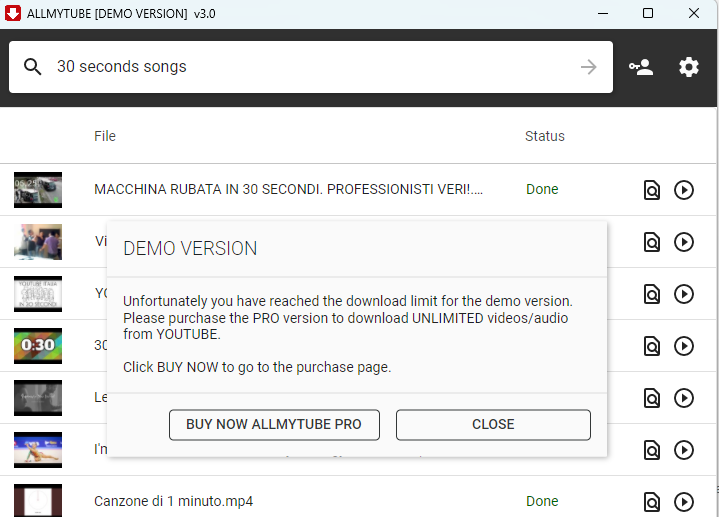
During the download, the video will appear in the Downloaded tab, with a progress bar. By clicking the lightning icon at the top, you can enable the turbo download mode for even faster downloads.

When the download is complete, the file will be saved in the output folder you selected earlier.
On the right side of each video, you will see three useful buttons: one to add the video to the Convert section, one to send it to the Transfer section for mobile devices, and one to add it to a custom playlist.
AllMyTube supports over 1000 websites. You can check the list of supported sites at this link.
#3. How to download a whole video playlist from YouTube
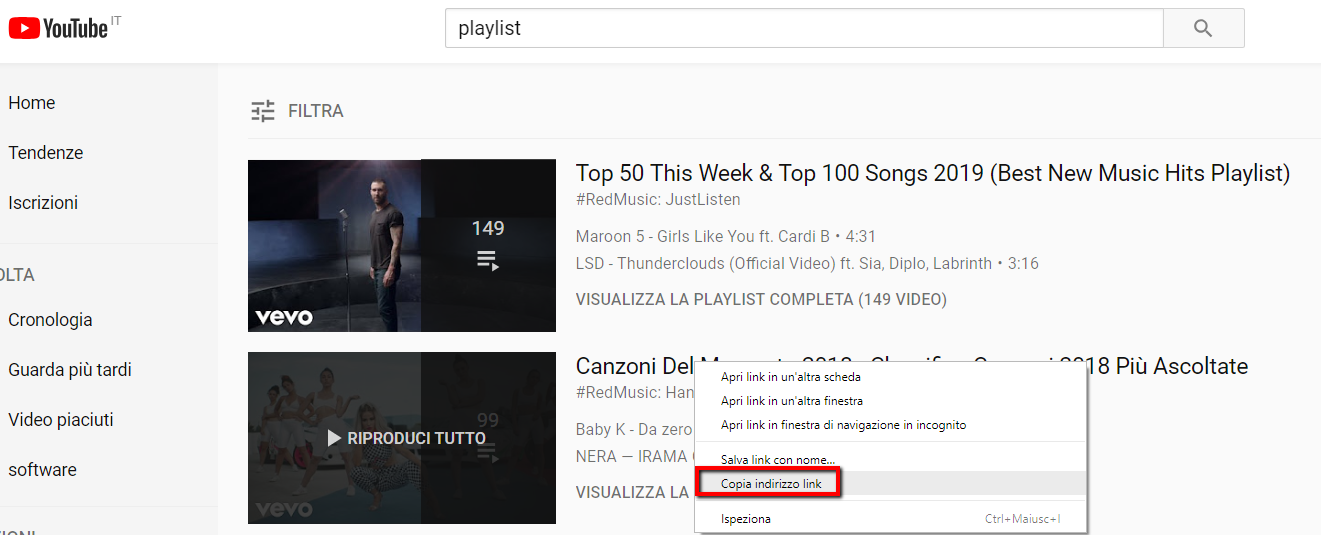
Step 1. Go to YouTube and find the playlist you want to download. Right-click the playlist title and choose Copy link address.
Step 2. Open AllMyTube and click PASTE URL. The program will detect that the URL belongs to a playlist and will ask if you want to download the whole playlist or just one item.
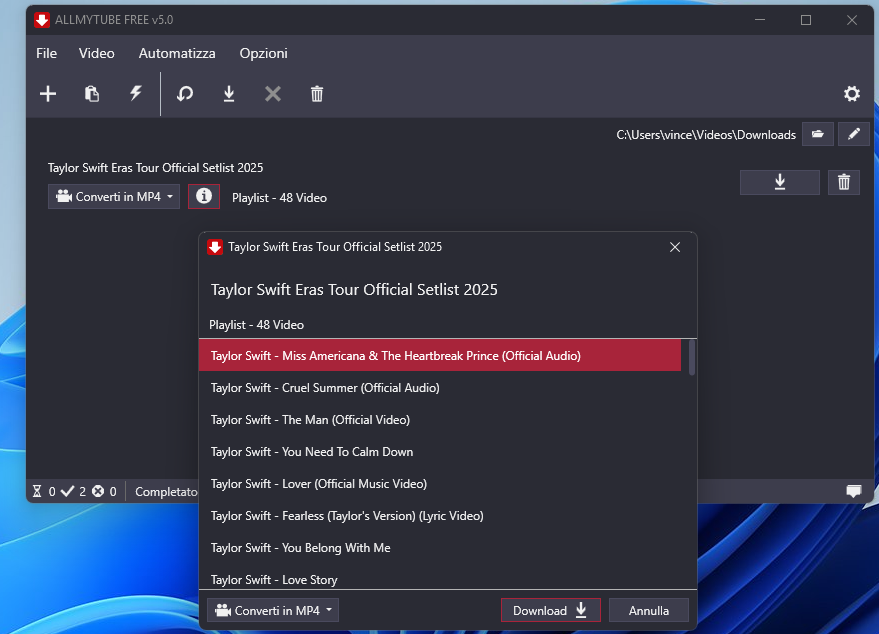
Step 3. Click on PLAYLIST to confirm. A new window will show all detected videos, allowing you to choose the format, quality, and the items you want to download.
#4. How to bypass YouTube restrictions using your cookies.txt file
If you download many videos from YouTube, the site may occasionally block requests and ask for a cookies.txt file. This file contains the cookies currently stored in your browser session and helps the tool access YouTube the same way your browser does.
AllMyTube allows you to import this file easily so you can continue downloading videos without restrictions.
First, export your cookies.txt file using a Chrome extension as explained here:
How to get cookies.txt file from Chrome
Once you have the cookies.txt file, open AllMyTube, go to SETTINGS, then open the DOWNLOAD tab. There you will see a dedicated red section where you can import your cookies.txt file.

After importing the file, click OK and return to the home screen. Now you can add new YouTube URLs and continue downloading.
Please note that cookies expire over time, so you may need to generate and import a new cookies.txt file in the future.
#6. Supported Websites
AllMyTube supports more than 1000 websites from which you can download video content. Supported websites include YouTube, Facebook, Vimeo, Dailymotion, BBC, Yahoo, Lynda.com, MTV, Fox, ESPN, CBS, FC2, Niconico, and many others.
Support depends on the availability and structure of each site, but the list is extensive and constantly useful for a wide range of video sources.
#7. How to register AllMyTube
To register the program, first purchase the license code by clicking on the cart icon in the top-right area of the program.
As soon as you receive the activation email, click on Registration in the software and enter your email address together with the license code in the appropriate fields.
Once activated, all premium features will be unlocked.
